
Apple to allow customizable Liquid Glass design in iOS 26.1
- By Web Desk -
- Oct 22, 2025


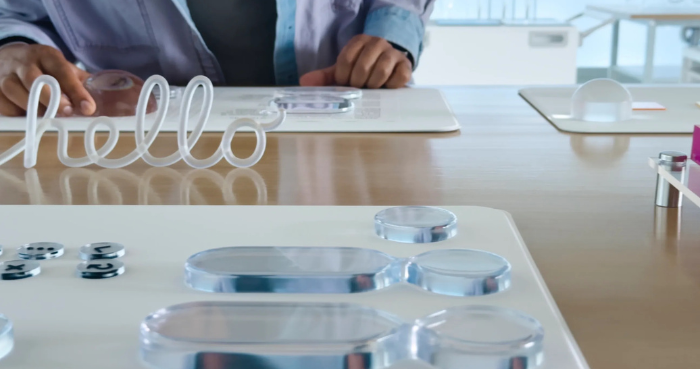
Apple brings a bold new Liquid Glass design, bringing clarity and fluidity throughout iOS 26.1, iPadOS 26.1 and macOS 26.1.
The newly introduced update lets users customise the Liquid Glass appearance. Choosing ‘Clear’ from the Display & Brightness menu through phone settings will make content more transparent and visible. Pressing ‘Tinted’ from the menu will increase opacity and add more contrast.
Since iOS 26, Liquid Glass has offered a binary choice: the familiar transparent option or a new tinted option. The tinted option enhances opacity and contrast, applying to Liquid Glass in Apple’s apps across Mac, iPad, and iPhone. Notably, for iPhone and iPad, it also increases the opaqueness of Lock Screen notifications.
The change also applies to third-party apps that have implemented Liquid Glass. If a user opts for the new tinted design, that preference will also be applied to those third-party apps.
Third-party applications that have integrated Liquid Glass will also adopt these new changes. The user’s chosen tinted design will extend to these third-party apps as well.
Apple says it noted from users throughout the iOS 26 beta testing period that they’d like a setting to manage the brightness of the Liquid Glass design. This new setting is designed to do exactly that, giving users further personalization to their iPhone, iPad, and Mac.
Apple’s Liquid Glass design underwent significant modifications during the iOS 26 beta testing, particularly with iOS 26.1 beta 3 introducing more opaque interface elements. However, Apple ultimately reverted these changes, opting for a higher degree of transparency in the final release..