
How to change CNIC picture via Pak ID mobile app
- By Web Desk -
- Jan 11, 2026


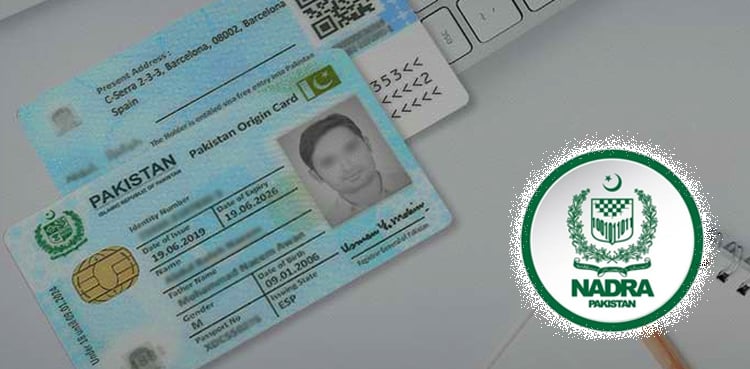
Islamabad: The National Database and Registration Authority (NADRA) has enabled citizens to change or update their picture on their Computerized National Identity Card (CNIC) through the Pak ID mobile application.
According to NADRA, citizens can now update their CNIC photographs themselves without visiting a registration centre.
NADRA shared this update in response to a query raised on social media, where a citizen asked whether it was possible to change a CNIC photograph and what the procedure would be.
In its response, NADRA explained that users can log into their Pak ID account and select the “Update Card” option to submit a request for changing their CNIC photograph.
Guidelines for Capturing Photograph
According to NADRA’s guidelines, applicants should follow these steps while capturing their photograph through the app:
At the photograph stage, click on “Capture” and select either the front or back camera.
Ensure there is no shadow on the face and hair is kept away from the eyes.
There should be no obstruction in front of the face.
Use a plain white background, remove glasses, and ensure adequate lighting.
Maintain a proper distance from the camera so the face is clearly visible.
Men are allowed to wear a cap or turban, provided the face is fully visible.
Women may take photographs wearing a hijab, but the face and chin must be clearly visible.
Ensure the face remains within the circular frame displayed on the camera screen.
The photo capture process is completed when the on-screen circle turns green.
Remain calm and steady while taking the photograph.
NADRA said the initiative aims to provide greater convenience to citizens by offering digital services through the Pak ID mobile application.