
Step-by-Step process to update phone number through NADRA Pak ID app
- By Web Desk -
- Oct 02, 2025


The National Database and Registration Authority (NADRA) has introduced the latest version of its Pak Identity mobile application, designed to make registration services more convenient for citizens.
NADRA- NIC, NICOP, FRC Updates
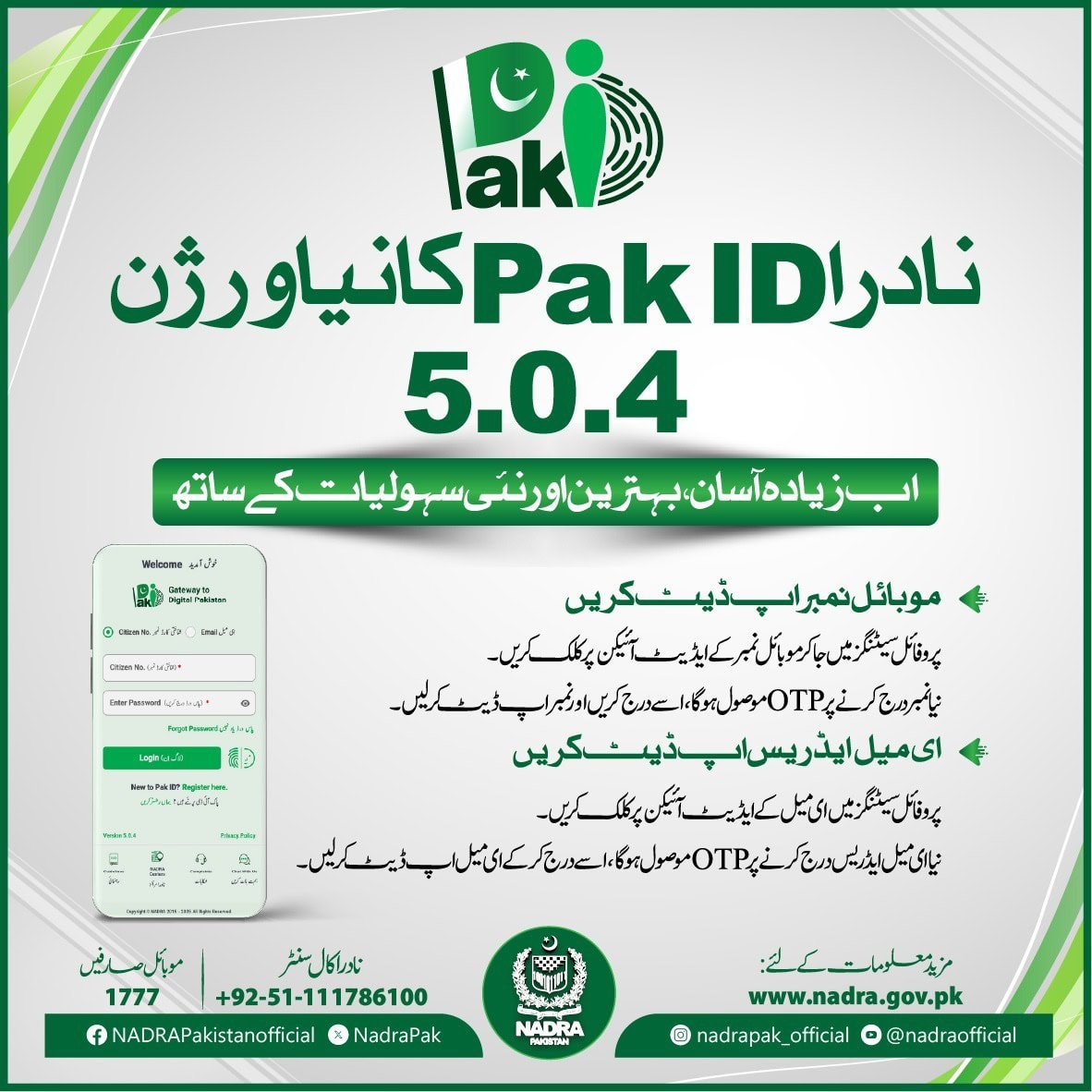
The updated NADRA app, Pak ID Version 5.0.4, introduces new features that allow users to update their mobile numbers and email addresses directly, removing the need to visit NADRA offices for these basic services.
How to Update Mobile Number
To update a number, users have to open the app, go to profile settings, and select the mobile edit option. After entering the new number, a One-Time Password (OTP) will be received for verification. Once confirmed, the updated number is added to the profile. The same process applies for updating email addresses.
Benefits of Updating Contact Details
By linking an active mobile number to their NADRA profile, citizens can receive real-time notifications about their CNIC, family registration, and other related services.
Updated contact details also ensure timely alerts such as renewal reminders, biometric verification, and security confirmations.
Updated contact information helps protect citizens against misuse of identity documents and makes communication with NADRA more reliable.
Officials stated that the new features reflect NADRA’s ongoing drive to digitize services and expand self-service options. More features will continue to be added to the Pak ID app to enhance accessibility and security for millions of users across the country.
On September 2025, the National Database and Registration Authority (NADRA) has also introduced a major facility for citizens, allowing them to pay application fees through multiple convenient methods after approval of their requests.
According to details, applicants will now be able to deposit fees directly at the concerned NADRA office in cash.
In addition, payment can also be made through JazzCash, Easypaisa, or E-Sahulat outlets, providing citizens with easier access to services without unnecessary hassle.
NADRA has also enabled a digital payment feature through QR codes. At the time of application submission, citizens can obtain a QR code from NADRA staff, scan it using their mobile banking application, and pay the fee online instantly without any additional charges.