
Step-by-Step: How to register your child’s birth in UC using the NADRA Pak-ID App
- By Web Desk -
- Jan 17, 2026


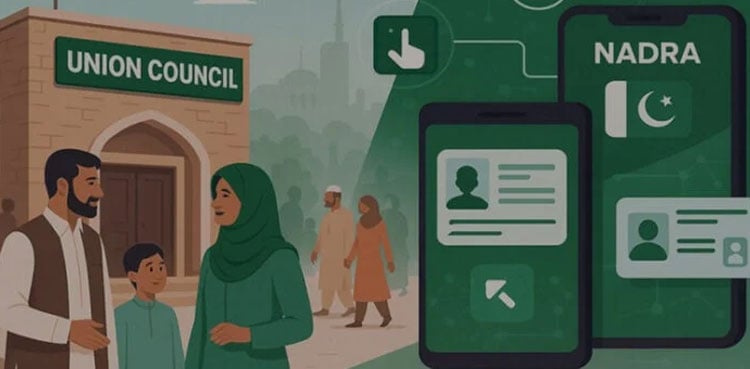
ISLAMABAD: The National Database and Registration Authority (NADRA) has revolutionized the birth registration process. Citizens can now register their children’s births in their respective Union Councils (UCs) from the comfort of their homes via the Pak-ID mobile app, ARY News reported.
According to NADRA, this facility is currently available in all districts of Punjab; Karachi East, Karachi Central, Naushahro Feroze, Mirpurkhas, Shaheed Benazirabad, Larkana, Jamshoro, Tando Allahyar, and Tando Muhammad Khan in Sindh; and the Quetta district in Balochistan.
Work is underway to expand this service to the remaining districts across the country soon.
Step-by-Step Guide:
1-Child Birth Registration via Pak-ID App
Getting Started Download the Pak-ID app from the Google Play Store or Apple App Store and register your account to log in.
Initiating the Process On the main dashboard, select the “Provincial Civil Registration Services” category and choose your province. Then, click on the “Birth” option.
Review the list on the next screen. Click the name of the child you wish to register. If the name is not on the list, select the option to add a new entry.
Then Application Details will open and select your respective District, Tehsil, and Union Council (UC).
Choose the appropriate category and enter the child’s Date of Birth. Click “Calculate Fee” to see the service charges, then click “Start Application.”
2-Entering Child Information
If already in NADRA records: Click “Yes” and enter the child’s B-Form or ID number.
If not registered: Click “No,” enter the complete required details, and proceed.
3-Parent & Additional Details
Enter the required information for the parents, followed by any requested “Additional Details,” and click next.
4- Biometrics & Photography
Under 3 years: No photograph is required.
3 to 10 years: A live photograph must be captured and uploaded.
Above 10 years: Both a photograph and fingerprints are mandatory. (Note: Ensure the child’s face is positioned within the circle on the screen while capturing the photo.)
5-Address & Payment
Select the present or permanent address you want printed on the certificate. Pay the fees using a Debit/Credit Card, Raast, EasyPaisa, JazzCash, or e-Sahulat.
6-Final Submission & Downloading
Review your data carefully, check the declaration boxes, and click Submit. Once processed, the birth certificate will be available for download in the “ID Wallet” section of the app.