
How to complete vehicle biometric verification via NADRA's Pak ID App
- By Muhammad Abuzar Usama -
- Jul 27, 2026


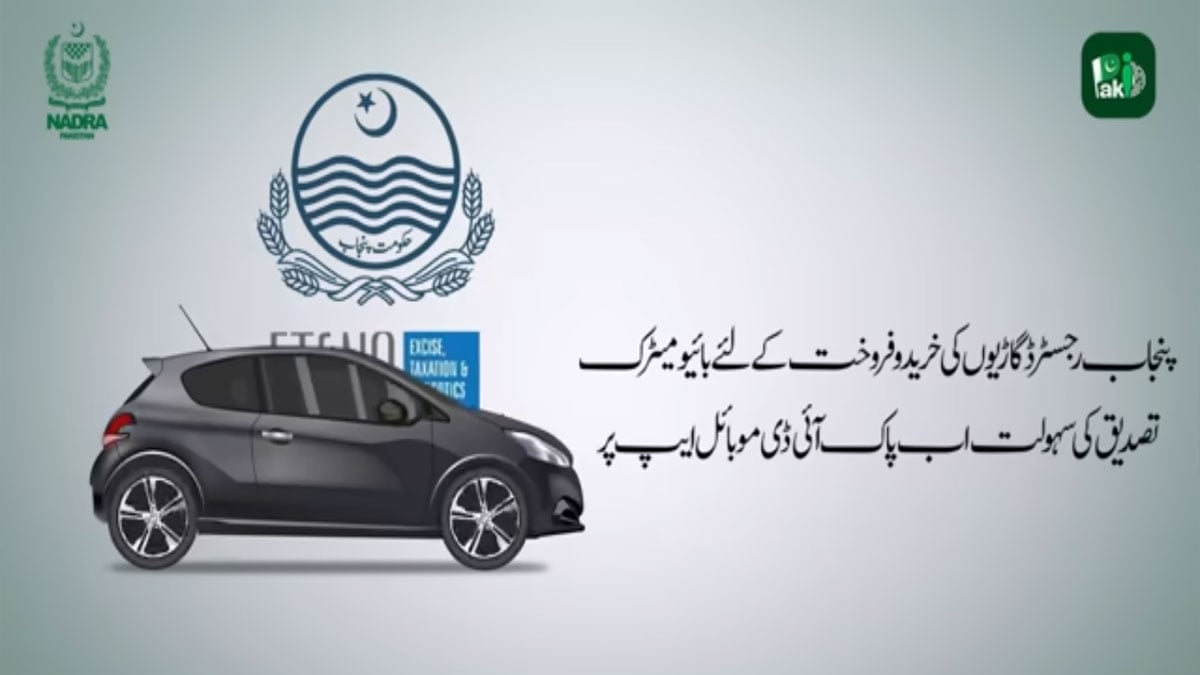
LAHORE: The National Database and Registration Authority (NADRA) has introduced a convenient new feature on its Pak ID mobile app, enabling biometric verification for Punjab-registered vehicles directly through the platform during buying and selling transactions.
Vehicle owners can now complete the entire biometric verification process for Punjab-registered vehicles using their smartphones.
Step-by-Step Transfer Procedure
For the Seller:
Access Digital Cards
Open the Pak ID app, navigate to Apply Digital Cards, and select Vehicle. A list of all vehicles registered under your name will appear.
Initiate Transfer
Select the vehicle you wish to sell and tap Transfer Now.
Facial Verification
Tap Verify Applicant Facial and select either the front or rear camera.
Frame your face inside the on-screen circle against a plain white background in a well-lit area.
Hold the camera at a suitable distance and stay still. The border will turn green once the picture is captured successfully.
Adjust Photo (Optional)
Review the captured photo. If needed, use the built-in tools:
Custom Resize / Crop: Adjust image framing (uses standard 3:4 aspect ratio).
Rotate: Adjust photo orientation.
Edit: Fine-tune brightness and contrast.
Tap the checkmark to save adjustments, then tap Next.
Fingerprint Verification
Tap Verify Applicant Fingerprint and scan your fingers as instructed on-screen.
Enter Purchaser Details
When the Application Details screen appears, enter the buyer’s CNIC number.
Under Application Processing Category, select Executive to view the applicable fee.
Submit & Share IDs
Review all information and tap Submit Application.
Go to the Applications section to locate your generated Tracking ID and PIN ID.
Share both IDs with the buyer to proceed with the transfer.
For the Buyer:
Biometric Verification & Payment
Open the Pak ID app and complete buyer biometric verification using the provided Tracking ID and PIN ID.
Paying the Fees
Pay the required fee using any supported payment method: e-Sahulat, Raast, EasyPaisa, JazzCash, or Debit/Credit Card.