
How to check the status of your NADRA application online
- By Sheeraz Soomro -
- Aug 20, 2026


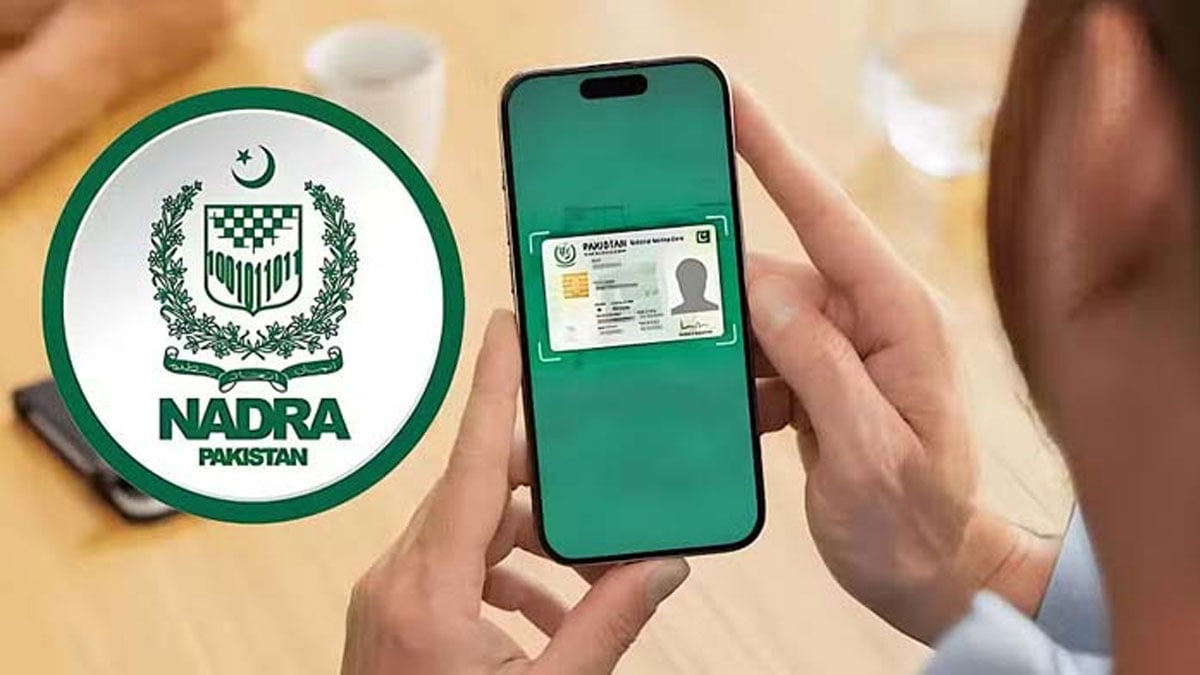
The status of an application submitted to the National Database and Registration Authority (NADRA) can be checked with just a few simple steps.
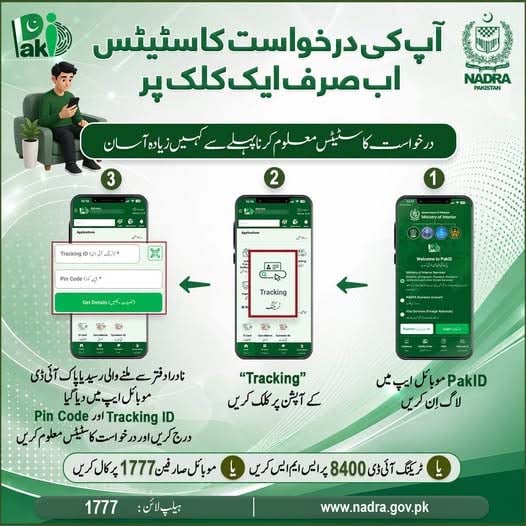
According to a post issued by NADRA, applicants who wish to check the status of their application can log in to the PakID mobile app.
After logging in, select the “Tracking” option and enter the Tracking ID and PIN code provided on the application slip to view the current status of the application.
Alternatively, applicants can check their application status by sending the Tracking ID via SMS to 8400 or by calling 1777.
The NADRA has also previously advised citizens to collect their identity cards promptly after they are issued.
Under NADRA’s policy, if an identity card is not collected, it is destroyed three months after the final delivery date.
Citizens who fail to collect their identity cards within the specified period will have to submit a new application and pay the applicable fee to have the card reissued.
Read more: NADRA issues new CNIC featuring QR code
Pakistan’s journey towards a structured citizens’ identity management at the Federal level began in 1973 with the establishment of the Directorate General of Registration (DGR). For many years, manual registration and paper-based identity cards served as the foundation of national identification.
While effective for its time, rapid population growth and evolving governance requirements made it evident that Pakistan required a technology-driven registration system.