
How to control biometric data via Pak ID app
- By Hamid Ur Rehman -
- May 16, 2026


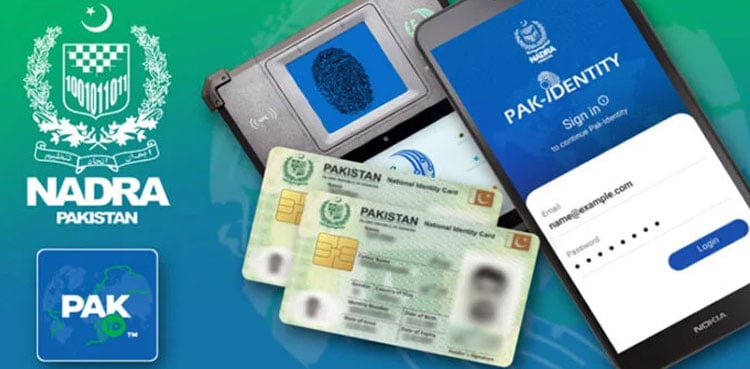
ISLAMABAD: The National Database and Registration Authority (NADRA) has introduced a new feature allowing citizens to fully control access to their biometric data through the Pak ID mobile application.
The feature, titled “Block Biometric Data Access,” enables users to prevent biometric verification without their explicit consent, giving them greater control over the security of their personal information.
According to NADRA, once the feature is activated, biometric verification through fingerprints or facial recognition will not be possible at any institution or service point unless the user temporarily authorises access via the app.
The authority said the initiative is aimed at enhancing the protection of sensitive biometric data and ensuring that control remains entirely with citizens.
To activate the feature, users must log in to the Pak ID app, navigate to the profile settings in the menu, and select “Block Biometric Data Access.” In some cases, additional verification through fingerprint or facial recognition may be required depending on the device.
NADRA added that users can temporarily disable the feature whenever biometric verification is required and re-enable it afterwards to maintain data security.
The authority also shared an instructional video guiding citizens on how to use the feature effectively.
Officials said the new system provides citizens with greater control over their identity data and helps prevent unauthorized use of biometric information.
Read More: NADRA launches mobile biometric verification for Punjab arms licences